What Happens When a Smart Garage Door Opener Loses Connection
A smart garage door opener makes it easy to check your door, receive alerts, and control access from your phone. When that connection drops, though, it can leave you wondering whether the door is secure or whether the whole system has stopped working.
During early fall on Vancouver Island, rain, wind, and occasional power interruptions can affect Wi-Fi and smart home equipment. The good news is that an offline app does not always mean your garage door has a mechanical problem. We'll explain what usually stops working first, what you can safely check, and when we recommend professional garage door service.
Know Which Features Stop Working First
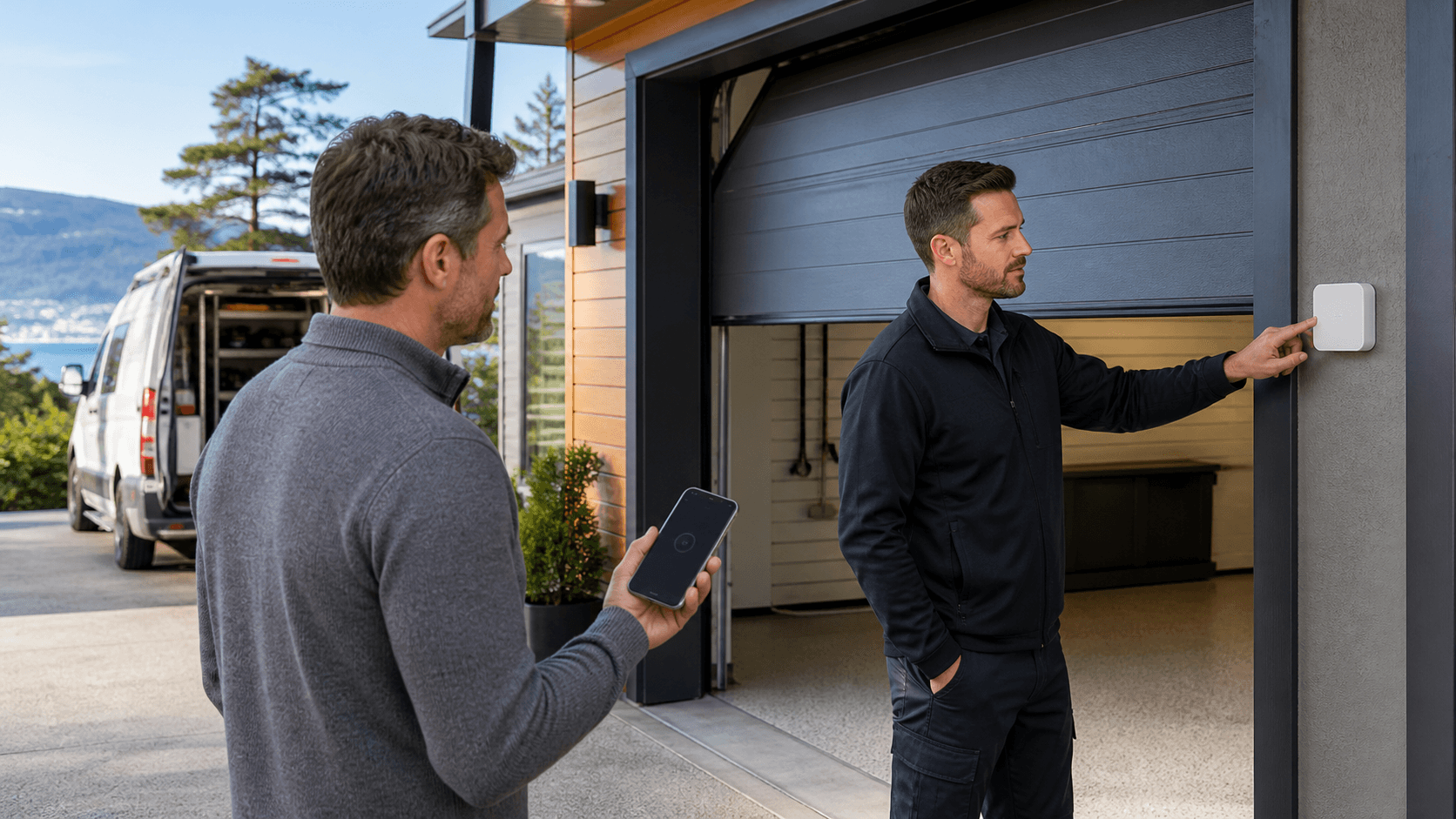
When a smart opener loses its internet connection, app-based features are usually the first things to disappear. You may not be able to check whether your garage door is open or closed while away from home. Alerts, camera views, temporary access codes, and remote open-and-close controls may also be unavailable until the connection returns.
That can feel worrying, especially if you rely on a smart garage door opener in Ladysmith to monitor daily comings and goings. Still, the physical opener may be working perfectly well inside the garage.
In many cases, these controls can continue to operate when Wi-Fi is down:
- A wired wall button inside the garage
- A handheld remote that uses radio frequency
- The garage door opener lights
- The door's manual emergency release, when used safely
We recommend testing the wall control or remote from inside the garage before assuming the opener needs replacement. If the opener has power and the door moves smoothly with its normal controls, the issue may be limited to the app, router, or Wi-Fi signal.
A smart connection issue is different from a door that will not move, makes unusual noises, or reverses unexpectedly. The app can report what the opener is doing, but it cannot fix a worn spring, damaged track, or poorly balanced door.
Check Power, Wi-Fi, and Opener Settings Safely
Start with the simplest possible checks. If the opener lights, wall control, and remote all seem unresponsive, there may be a power issue rather than a Wi-Fi issue. A power interruption, unplugged opener, or tripped breaker can affect the entire system.
Before changing any settings, we suggest confirming a few basics:
- Check whether the opener is plugged in and the garage lights work
- See whether another device can connect to your home internet near the garage
- Look for a tripped breaker or recent power interruption
- Review the smart opener app for connection notices or alerts
Weak Wi-Fi is common in detached garages, larger homes, and garages located far from the router. Your phone may have a strong signal in the kitchen but struggle to connect near the opener. If other devices also lose service in that area, the opener may simply be too far from the available signal.
Restarting the router can sometimes restore a lost connection. Depending on the model, power cycling the opener according to the manufacturer's instructions may also help. However, repeatedly resetting, erasing, or reprogramming the system can create extra problems if the real concern is electrical or mechanical. When the door itself is not operating normally, it is best to stop troubleshooting and have the system assessed.
Prepare for Fall Weather and Power Interruptions
Fall weather can put extra strain on home technology. Rain and moisture may affect outdoor electrical connections, while windstorms can cause power interruptions that take Wi-Fi equipment offline. Even after power returns, some routers and smart devices may need time to reconnect.
A few practical habits can help reduce connection trouble. We recommend keeping the router in a central location when possible and considering a compatible Wi-Fi extender if the garage regularly has a weak signal. Keeping the opener area dry and making sure the garage door is properly sealed can also help protect the space from moisture.
It is also wise to keep a working physical remote somewhere accessible. Remote controls that communicate directly with the opener may still work when the internet does not. Knowing how your wall button works is helpful, too, particularly after an outage.
For any smart garage door opener in Ladysmith, understanding the emergency release is part of being prepared. This cord allows the door to be disconnected from the opener during certain situations. We caution against pulling it when the door is open, moving, or under visible spring tension. A garage door can be heavy and unpredictable when there is a broken spring, damaged cable, or balance issue. If anything looks wrong, leave the door alone and let a trained technician handle it.
Recognize When the Problem Is More Than Wi-Fi
A lost app connection is inconvenient. A door that is physically struggling to move is a different matter. We often find that homeowners first notice a problem through their smart opener, then discover that the door itself needs attention.
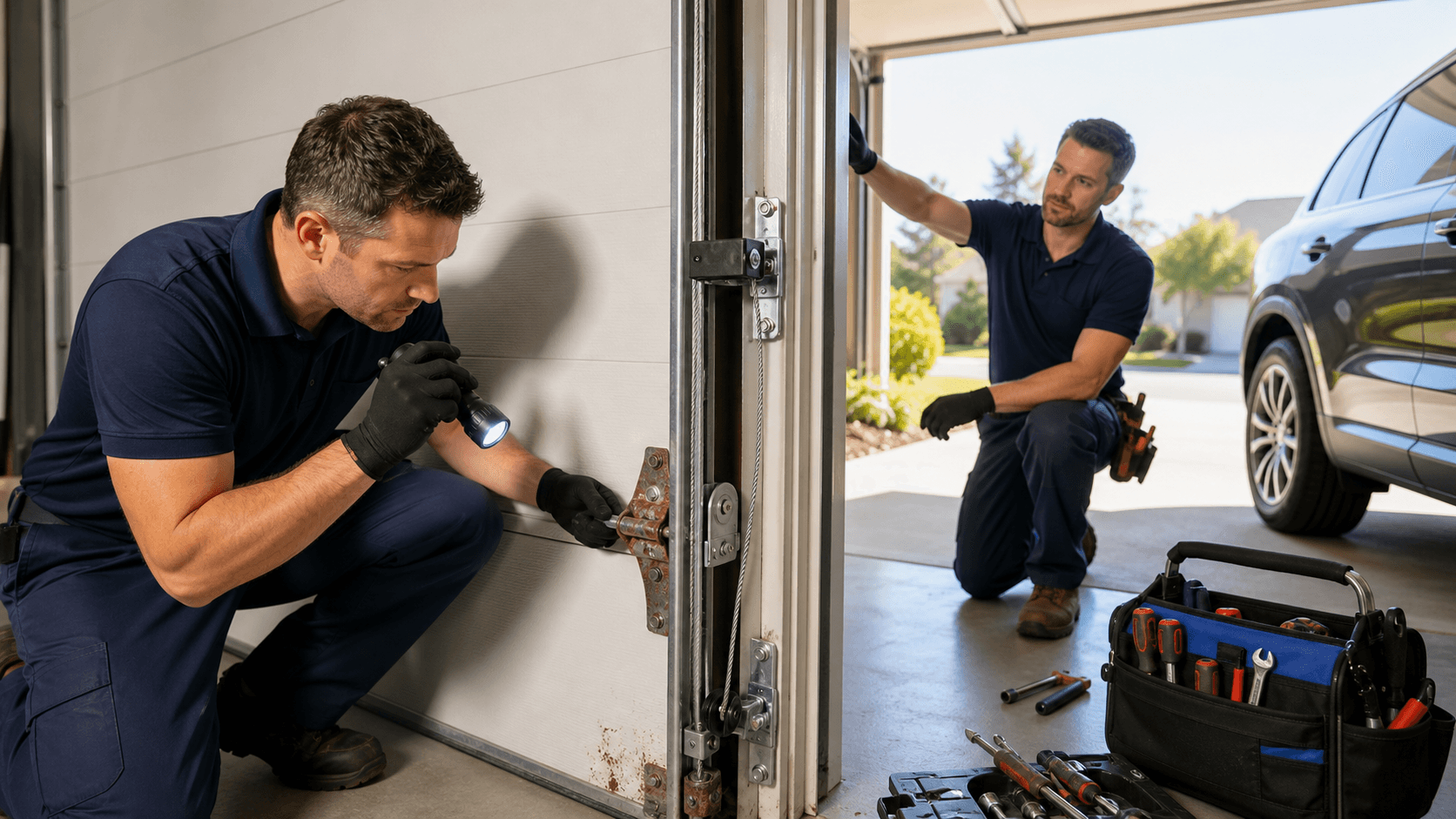
Watch for signs such as grinding sounds, jerky or uneven movement, flashing opener lights, or a door that stops partway. Damaged tracks, loose-looking cables, and a door that feels unusually heavy are also warning signs. These issues can point to worn rollers, sensor trouble, broken springs, or an unbalanced door.
Smart technology cannot make up for a mechanical fault. Continuing to run a malfunctioning door can put added strain on the opener and may create a safety concern. If your wall control and remote do not restore normal operation, or if the door looks or sounds abnormal, we recommend having a qualified garage door technician inspect it.
Our team at Garage Door Doctor Canada helps residential and commercial property owners throughout Ladysmith, Nanaimo, Duncan, Mill Bay, and surrounding Vancouver Island communities. We can help separate a simple connection concern from a problem that needs garage door repair.
Restore Reliable Access Before You Need It
Losing an online connection does not always mean losing access to your garage. A working wall control, physical remote, and safe understanding of the emergency release can help you stay prepared when Wi-Fi drops or weather affects power.
Before fall weather becomes more severe, we recommend testing your remote, checking your app connection, and paying attention to how smoothly the door moves. If the opener remains offline or the door shows signs of mechanical trouble, timely professional service can help keep it secure, connected, and dependable.
Enjoy Reliable Access With Modern Opener Solutions
Garage Door Doctor Canada can help you choose and install a smart garage door opener in Ladysmith that fits your home and daily routine. Our team provides clear recommendations and professional service for dependable operation. To discuss your opener needs, contact us today.